Text Wizard Tools
Free online text tools for writing, editing, formatting, counting, and productivity.
Tool Categories
Browse by category to find the right tool for your task.
Featured Tools
Our most popular text utilities — free, fast, and easy to use.
Word Counter
Count words in your text instantly with reading level analysis.
Character Counter
Count characters with and without spaces instantly.
Character Counter Without Spaces
Count characters excluding all spaces and whitespace.
Line Counter
Count total, empty, and non-empty lines in your text.
Letter Counter
Count only letters in your text, split by uppercase and lowercase.
Sentence Counter
Count the number of sentences in your text.
Paragraph Counter
Count paragraphs and analyze text structure.
Uppercase Converter
Instantly convert any text to UPPERCASE.
Lowercase Converter
Instantly convert any text to lowercase.
Sentence Case Converter
Convert text to sentence case — capitalize first letter of each sentence.
Case Converter
Convert text between UPPER, lower, Title, camelCase, and more.
Text Reverser
Reverse text by characters or by lines instantly.
Remove Duplicate Lines
Remove duplicate lines from your text with one click.
Remove Extra Spaces
Clean up extra whitespace and spaces from your text.
Remove Blank Lines
Remove all empty and blank lines from your text instantly.
Trim Text
Remove leading and trailing whitespace from text or each line.
Sort Lines Alphabetically
Sort lines of text alphabetically in A→Z or Z→A order.
Reverse Line Order
Reverse the order of lines in your text.
Title Case Converter
Convert text to proper Title Case for headlines and headings.
Reading Time Calculator
Estimate how long it takes to read your text.
Keyword Density Checker
Analyze keyword frequency and density for SEO.
Readability Score Checker
Calculate the Flesch Reading Ease score of your text.
Average Word Length Calculator
Calculate the average length of words in your text.
Meta Description Length Checker
Check if your meta description is the ideal length for Google.
Title Tag Length Checker
Ensure your SEO title tag is the perfect length for Google.
Word Frequency Counter
Count how often each word appears in your text.
Text to URL Slug Converter
Convert multiple text items to URL slugs in bulk.
Latest Articles
Guides on writing, readability, SEO, and formatting.
How to Improve Readability Scores for Web Content
Practical techniques to raise your Flesch Reading Ease score by shortening sentences, simplifying vocabulary, and restructuring paragraphs.
6 min read
SEOWhat Is Keyword Density? A Practical SEO Guide
How keyword density is calculated, what range is natural, and why modern SEO cares about semantic relevance more than raw repetition.
7 min read
Writing TipsWord Count Guidelines for Every Platform
Recommended word counts and character limits for tweets, blog posts, essays, product pages, and more — with the reasoning behind each range.
6 min read
Popular Text Tool Searches
Jump straight to the tools people use most.
Why Use TextWizardTools?
TextWizardTools provides a growing collection of free, browser-based text utilities. No sign-ups, no downloads, no data stored. Every tool works instantly in your browser for maximum privacy and speed.
100% Free
All tools are completely free to use with no hidden charges or premium tiers.
Privacy First
Your text never leaves your browser. No data is stored or transmitted to any server.
Always Available
Works on any device with a modern browser — desktop, tablet, or mobile.
How Text Tools Help You Write Better
Good writing is measurable. The difference between a clear sentence and a confusing one often comes down to length, structure, and word choice — properties you can check before you publish. A word counter confirms your draft meets a brief's length; a readability checker tells you whether your sentences are too complex for your audience; a keyword density checker shows whether your topic is clearly signaled without being over-repeated.
These metrics are not ends in themselves. Word count does not equal quality, a high readability score does not guarantee clarity, and keyword density is no longer a ranking lever you pull. But each one surfaces a specific, fixable problem: a draft that runs long, a paragraph that is hard to scan, or a term that appears so often it reads unnaturally. The tools on this site exist to make those problems visible so you can fix them.
Every tool runs entirely in your browser, which means your text never leaves your device. There are no accounts to create, no software to install, and no uploads to a server — making the tools safe to use on confidential drafts, unpublished articles, and sensitive business copy. For a deeper understanding of the concepts behind each tool, browse our articles and glossary.
More Ways to Work Smarter with AI
TextWizardTools helps with the mechanics of writing and editing. If you'd like to go further and learn practical ways to use ChatGPT and AI in your everyday work and projects, these beginner-friendly guides by Mike Starr are a natural next step.
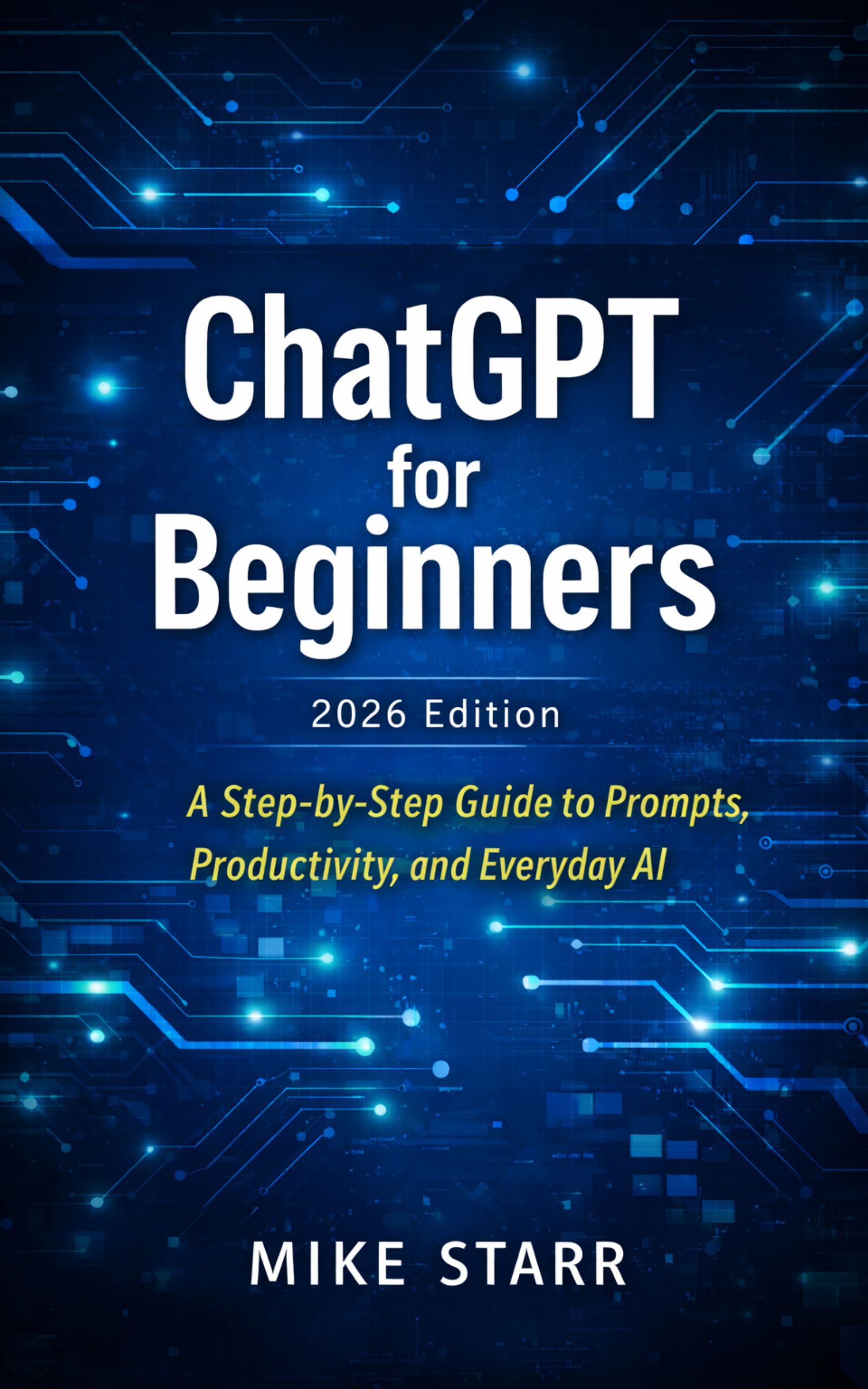
ChatGPT for Beginners
2026 Edition
A step-by-step introduction to writing effective prompts and putting ChatGPT to practical use in everyday tasks.
View Book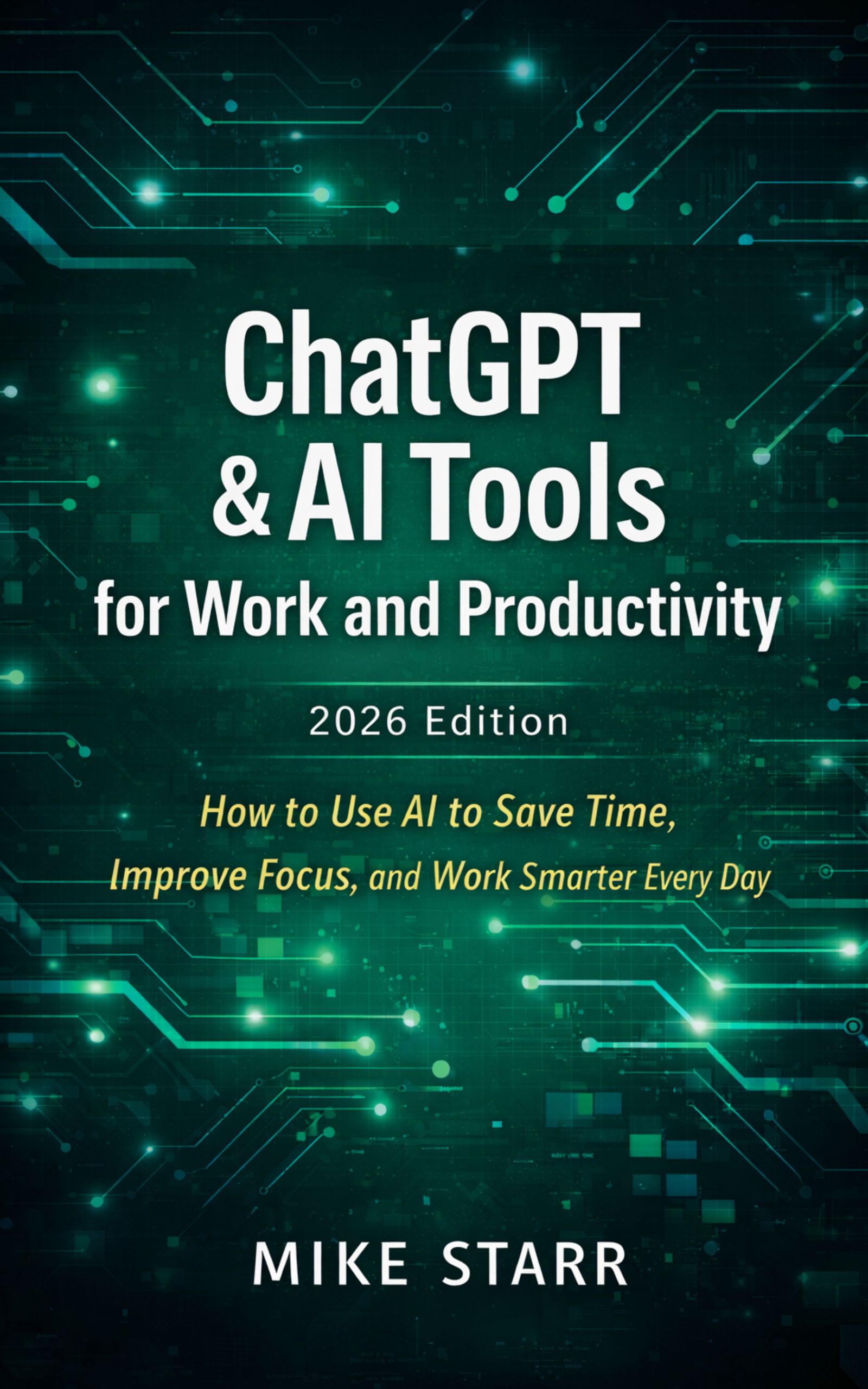
ChatGPT & AI Tools for Work and Productivity
2026 Edition
Practical ways to save time and improve focus by applying ChatGPT and AI tools across your daily work.
View Book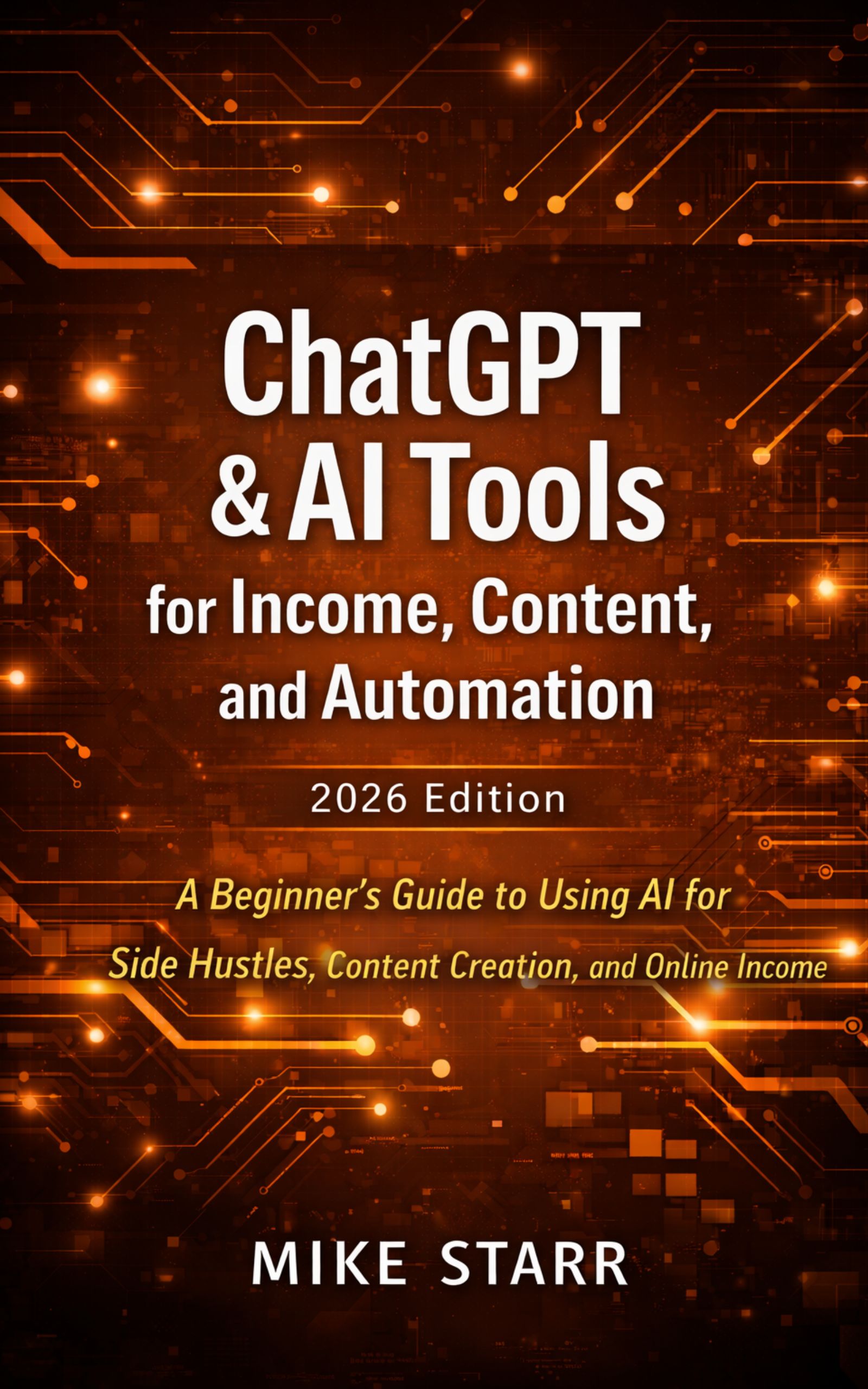
ChatGPT & AI Tools for Income, Content, and Automation
2026 Edition
A beginner-friendly guide to using AI for side hustles, content creation, and building online income.
View BookSee What ChartSnap Sees
Take a picture of your chart, choose a screenshot, or upload any stock, crypto, forex, commodity, or other technical price chart. ChartSnap returns an educational AI technical second opinion on trend, support and resistance, recognizable patterns, confidence, risk, and trader terminology in seconds.

Like ChartSnap? Get paid to share it.
Earn $25 CASH Per Founder
No ChartSnap purchase required. Unlimited referrals. Get your own referral link and earn $25 cash for every qualified Founder you refer.
- $25 CASH commission
- No ChartSnap purchase required
- Unlimited referrals
- Your own unique referral link
- Track clicks and commissions
- 30-day qualification period
Qualified Founder Lifetime purchases become commission-eligible after 30 days. Refunds, disputes, chargebacks, fraudulent transactions, and otherwise ineligible transactions do not qualify. See Affiliate Program Terms.